
A harbour under pressure
High waves rise beside a coastal harbour as the party points toward the water and people carry cargo up the steps. Give the changing conditions a place and people to affect.
World & settlement
One place.
Changing conditions.
Warnings, shelter and aftermath.
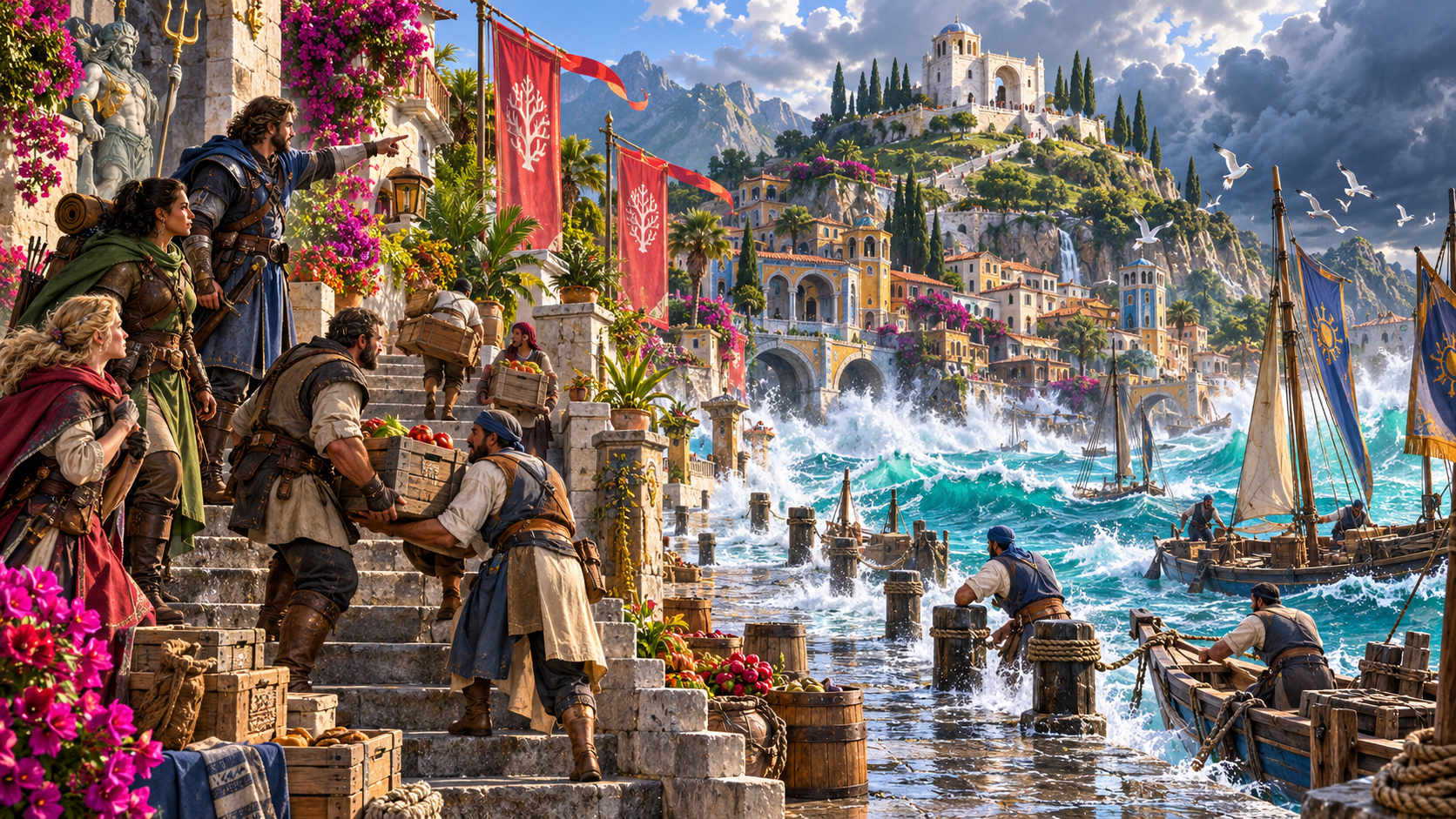
The environment changes
Prepare clear signs, immediate effects and practical responses for one campaign location.
High waves rise beside a coastal harbour as the party points toward the water and people carry cargo up the steps. Give the changing conditions a place and people to affect.
Keep the warning signs, cause and immediate effect beside shelter, duration and aftermath. Prepare what the event reveals when conditions settle.
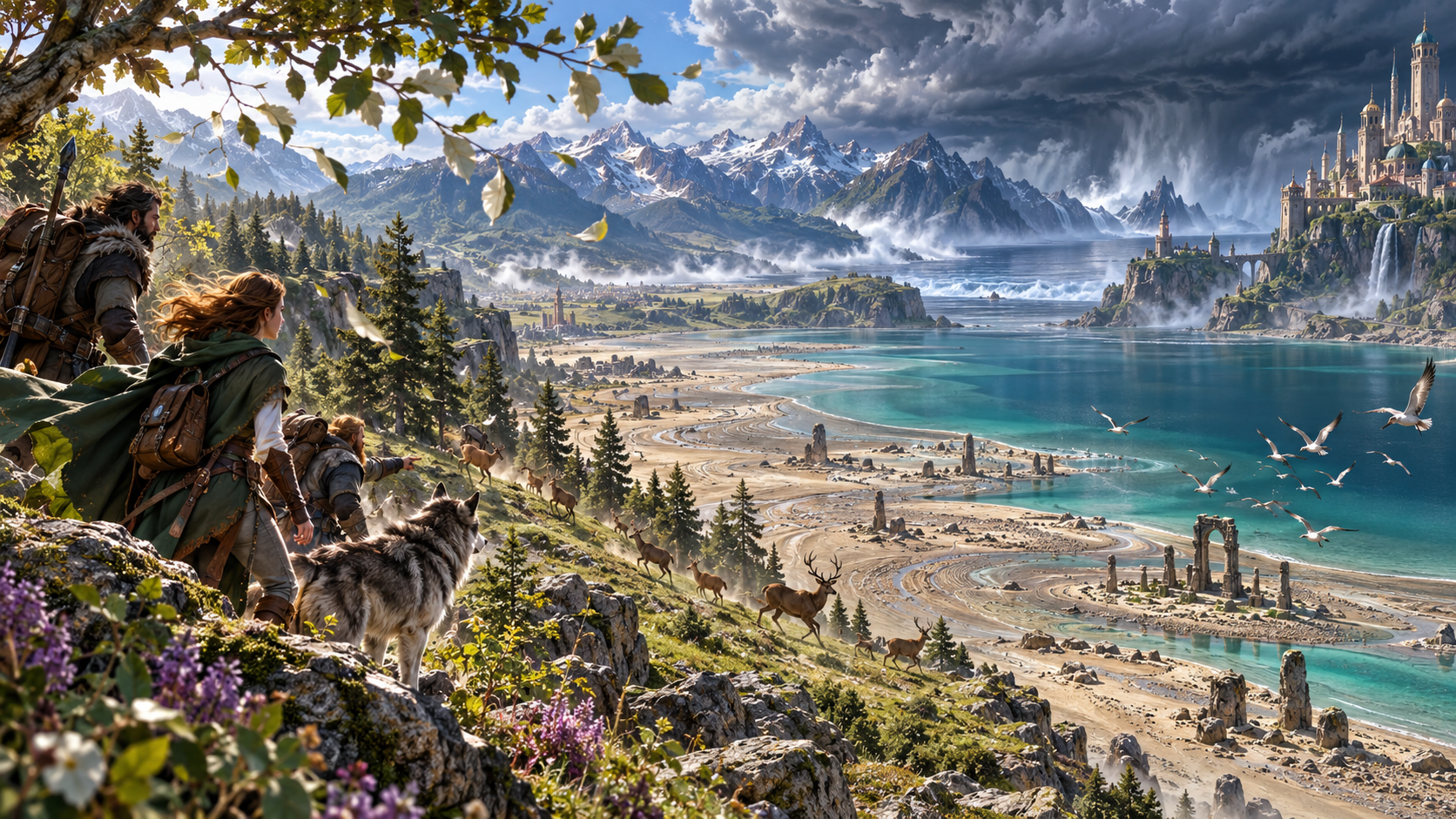
Clouds, wildlife and an exposed coast
A party and wolf look across an exposed bay from wooded heights. Deer move away as birds rise beneath distant heavy clouds.
Choose the environment, severity and event. Prepare warning signs that fit the place and give people a chance to respond.
What you can prepare
Give environmental change clear campaign details you can revise.
Name the location and choose its environment. Give the event a clear setting in your established campaign.
Prepare events for a forest, plain, mountain, coast, desert, swamp, arctic region, underground location or city.
Choose inconvenience, hazard, danger, serious peril, disaster or catastrophe to guide the scale of the event.
Explore a storm, flood, fire, quake, extreme cold, heat, wind or wild magic. Add direction through deeper setup.
Prepare signs people can notice before the immediate effects. Let the party recognise changing conditions and choose a response.
Keep the cause beside the immediate effect, affected area and people. Make the event understandable in its local setting.
Review practical shelter and ways to respond. Your table decides checks, conditions, damage and the actions taken.
Keep the event’s duration and changing conditions together. Prepare aftermath, recovery and what the event reveals.
Save and reopen events and versions. Edit, change or reroll sections, and lock favourite material you want to keep.
Copy, download or print a Dungeon Master dossier or selected player-facing view. Review the chosen material before sharing.
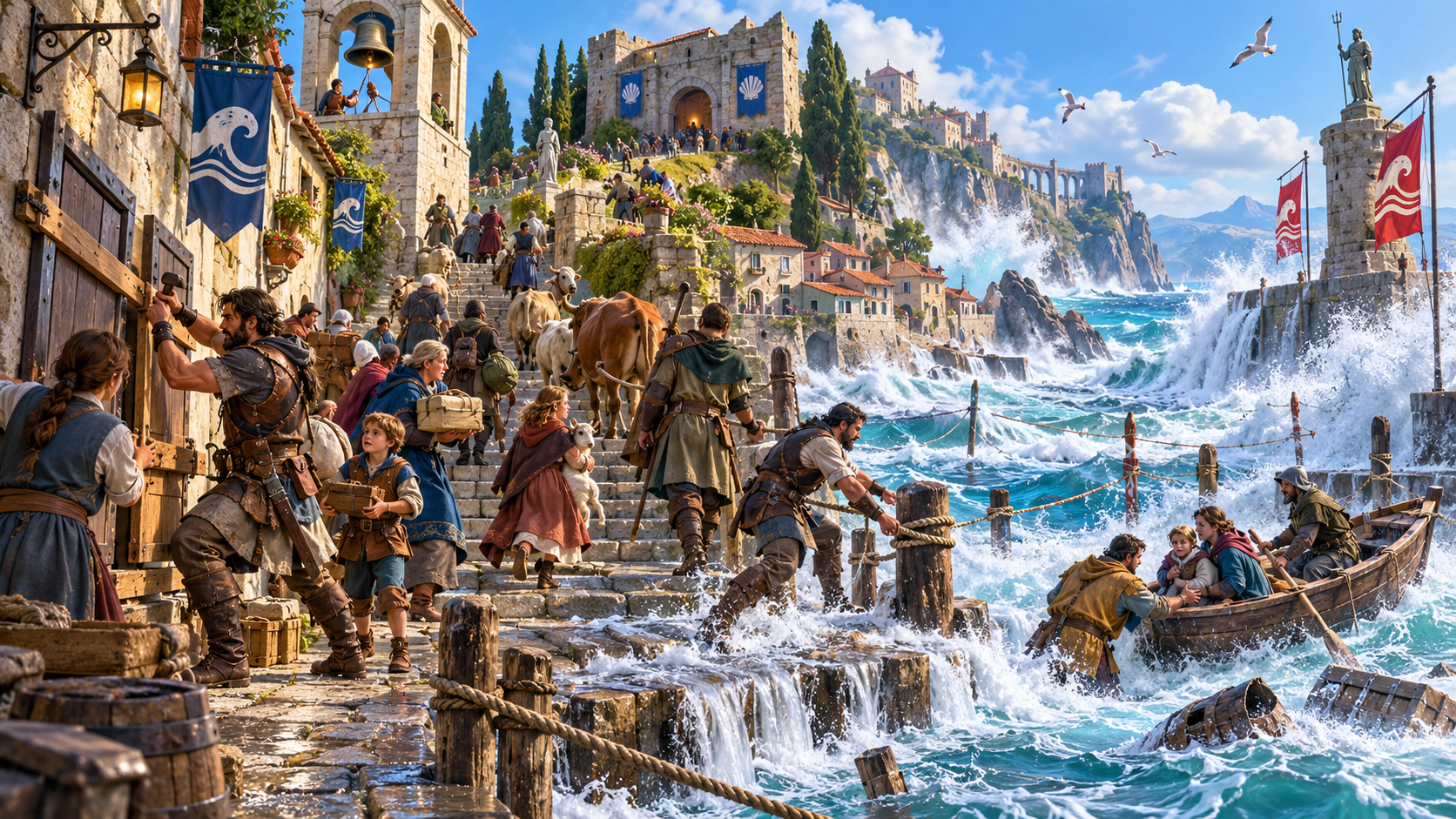
Floodwater, higher ground and shelter
People and animals climb harbour steps while a bell rings above the flood. A family is helped from a boat toward shelter.
Review affected people and areas, immediate effects and practical responses. Keep shelter beside the changing conditions.
Quick setup. Deeper preparation.
Start with the setting and severity, then refine what makes this place distinctive.
Name the place, choose its environment and set the severity. Keep the event anchored in your established world.
Choose an event type and add warning signs, shelter or a specific place name. Use the optional roll-trigger choice when it suits your preparation.
Add things to avoid and private Dungeon Master context. Review cause, immediate effects and the people involved.
Lock favourite sections, change or reroll others and save versions. Reopen earlier material with its event details together.
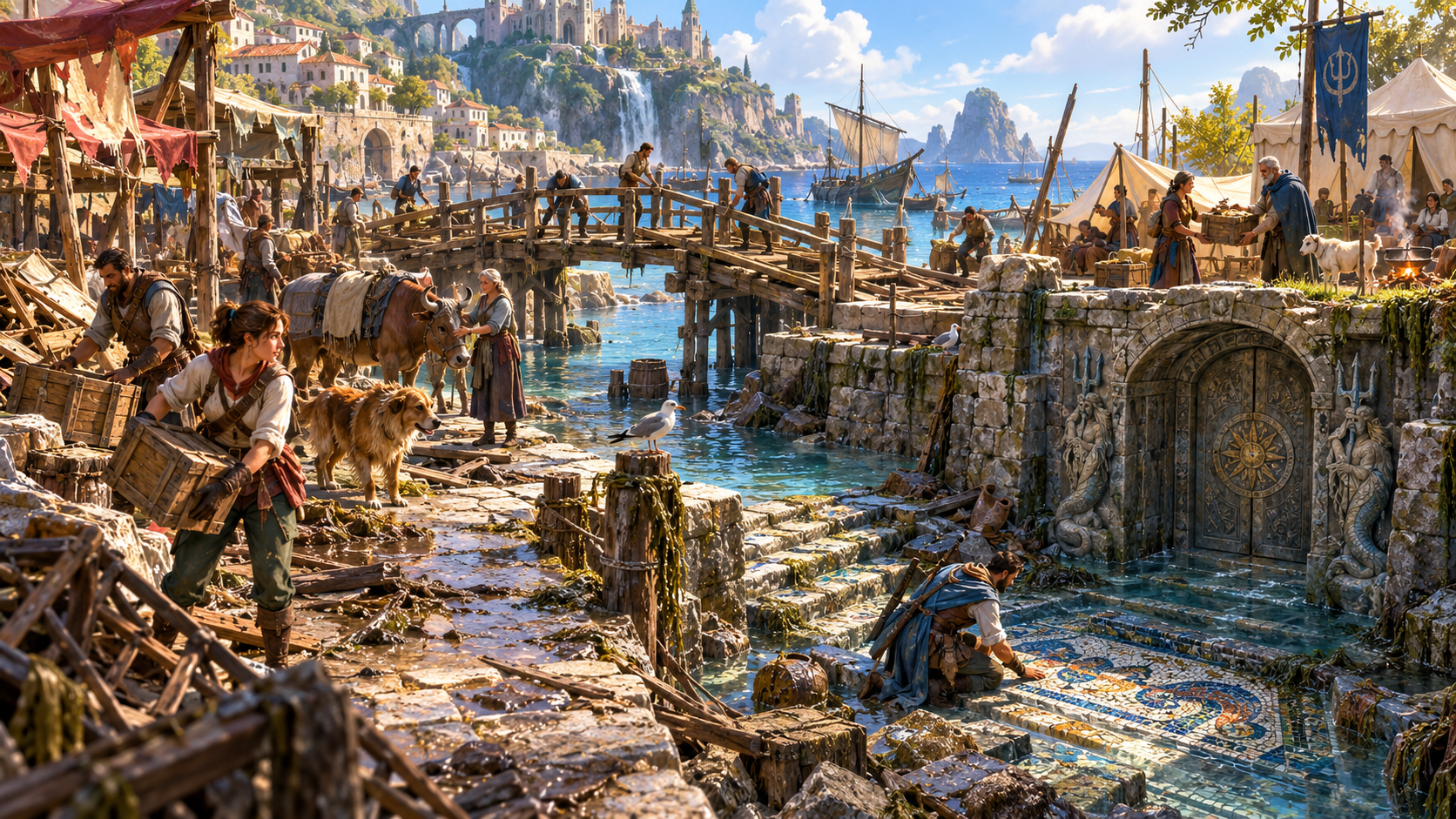
Repairs, relief and a revealed mosaic
A calm harbour is being cleaned and repaired beside relief tents and crates. An adventurer examines an exposed mosaic near an ornate stone doorway.
Review duration, aftermath and recovery. Keep what the event reveals beside the people and place affected.
Saved events and table references
Review the chosen view before sharing it with your group.
Save and reopen events with warnings, cause, effects, duration, shelter, aftermath and discoveries together.
Edit, change or reroll individual sections and lock the parts you want to keep. Save versions as you refine the event.
Choose complete Dungeon Master material or a player-facing result. Hidden causes and private context are omitted from the player view; review the selected material.
Copy or download the selected result, or print a table reference. Keep local details and private context appropriate for the chosen audience.
Your desktop and related products
Open products through your account and bring the selected material to the table.

Open your VISINVOKE products through one signed-in Windows desktop workspace.
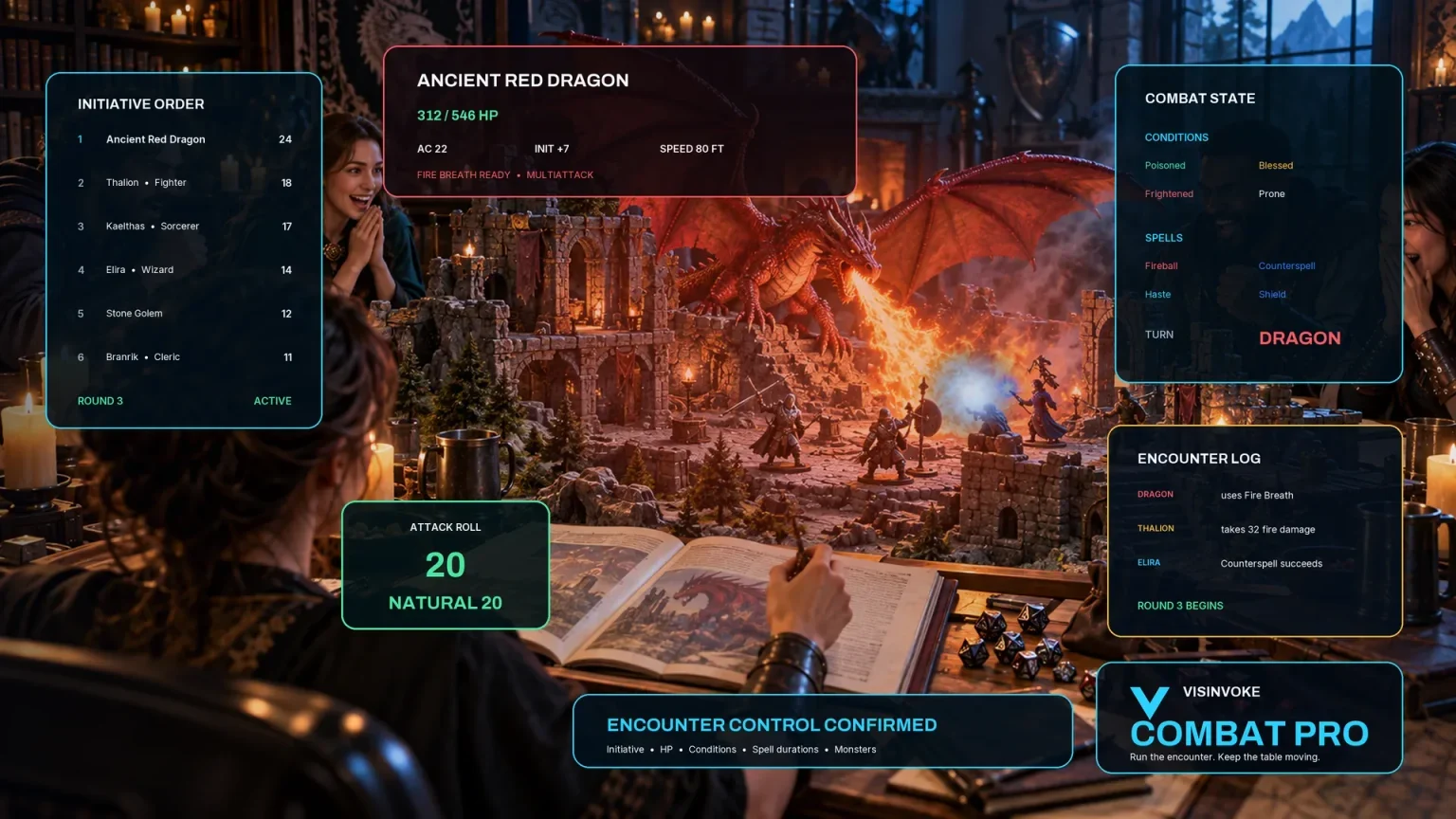
Use the dedicated encounter workspace for combat and keep environmental events with your campaign references.
Artwork illustrates fictional environmental events and related products, not application screens.
Questions and answers
Settings, warning signs, responses, saved events and audience views at a glance.
One environmental event in one place, with warnings, cause, immediate effects, affected people and area, duration, changing conditions, shelter, responses, aftermath and discoveries.
Start with the location, environment and severity. Add an event type, warning signs, shelter, place name, things to avoid and private context when you want deeper direction.
Use forest, plain, mountain, coast, desert, swamp, arctic, underground or city settings. Event types include storm, flood, fire, quake, extreme cold, heat, wind and wild magic.
The result gives warning signs and practical responses to review. The Dungeon Master and players decide checks, conditions, damage and what they do as the situation changes.
Save and reopen events and versions, edit or reroll sections and lock favourites. Copy, download or print a selected view. The player-facing view omits hidden causes and private context; review the chosen material before sharing.
Open the Generators collection in Desktop Control Centre on Windows through your VISINVOKE account. Review individual subscription access and current pricing in your account. A free account is separate from paid generator access.
Continue in VISINVOKE
Create a free VISINVOKE account or sign in to your existing account. Get Desktop Control Centre through your account installer page.
Open the Generators collection on Windows. Review current subscription and access details in your account.